
Unmesh Dinda put together this mind blowing tutorial on how to remove complex elements from complex backgrounds in PhotoShop.
He picks up where content aware fill falls short.

The trick is to have other photos from a similar vantage point and use an amazing photoshop tool called Auto-Align Layers.

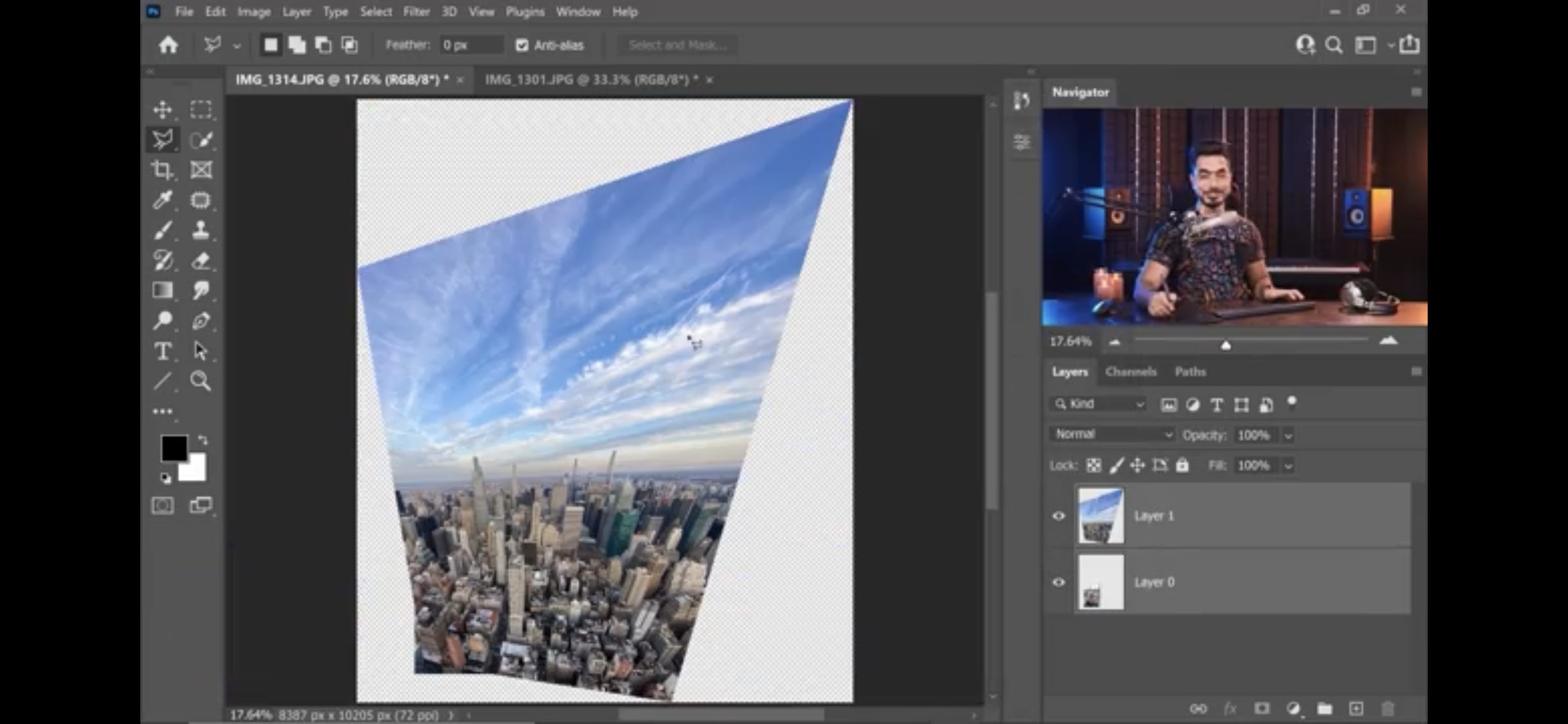
This takes other photos that don’t have the objects you want to remove and deforms the layers to match your perspective. Then it’s just some masking, blending and layer adjustments and it’s done!

The key, he says, is don’t edit yourself. Save all your photos because you’ll never know which so-so photo will save the day.
via Digital Synopsis
 Experiential Ideas
Leave a comment